Back to Work
02 / 04 GSA — General Services Administration

FleetCatalog

Federal Fleet Management Platform

Role Product Designer
Type Gov UX / Enterprise
Scope UX Research · Accessibility · Info Architecture
Tags
Gov UX Accessibility Info Architecture
GSA Fleet Catalog
Overview

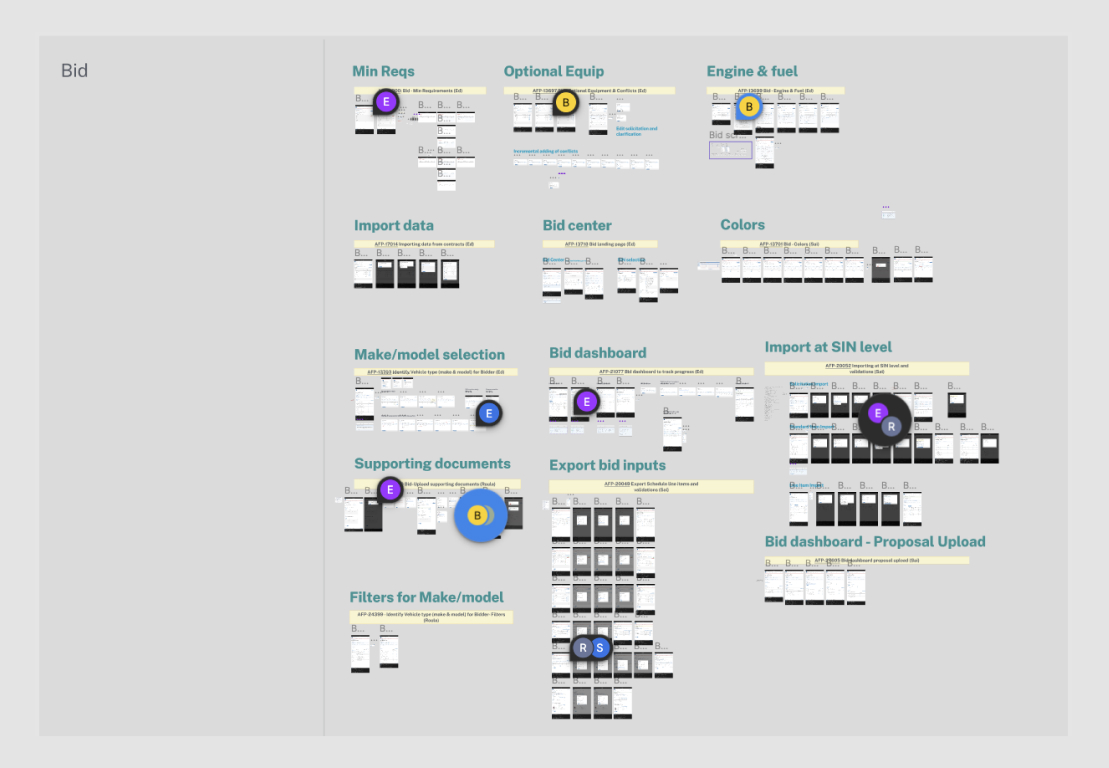
I contributed to an extremely large-scale, highly collaborative refresh of the GSA Fleet Program platform — merging seventeen legacy applications into a unified suite with approximately 130 team members across multiple design and development teams. Alongside UX delivery, I managed and expanded the design system that propagated standards across the entire project.

Work spanned wireframes, high-fidelity mockups, and clickable prototypes built in Figma — grounded in user research, accessibility requirements, and iterative testing with real government employees and vendors.
Who
GSA (General Services Administration) Fleet Program — the federal government program responsible for purchasing, leasing, short-term rentals, repairs, and accessories for all types of government vehicles nationwide.
Challenge
Modernize and consolidate seventeen aging legacy applications into a single, cohesive platform — maintaining usability and consistency throughout, at a scale spanning ~130 team members.
Solution
Deliver an intuitive, accessible suite of applications that helps government employees and vendors accomplish their tasks efficiently — backed by a unified design system and continuous user testing.
01
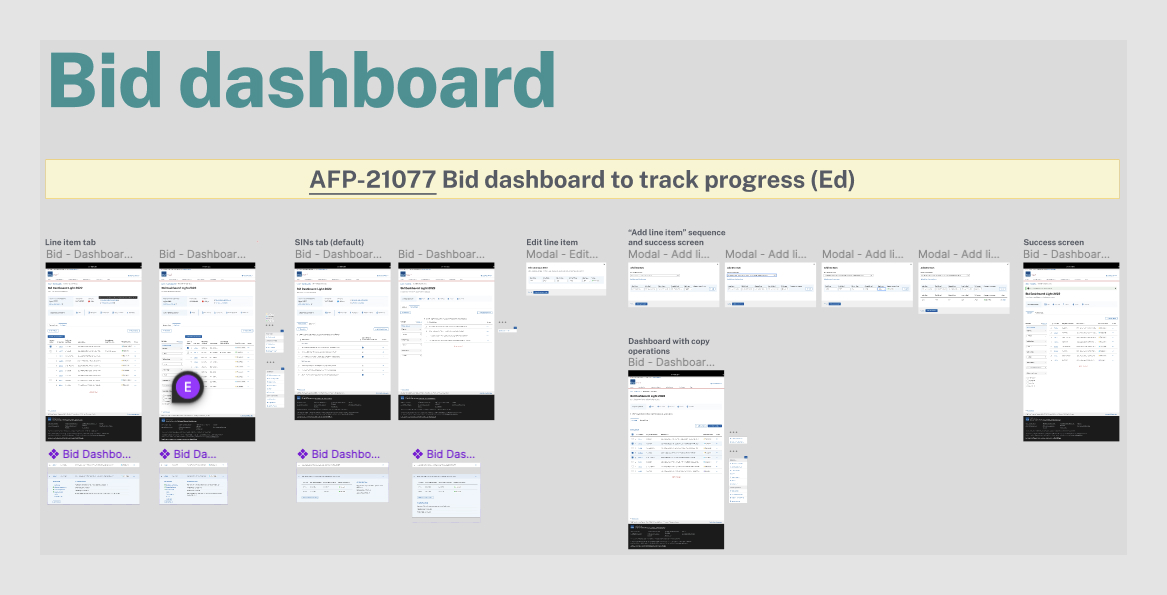
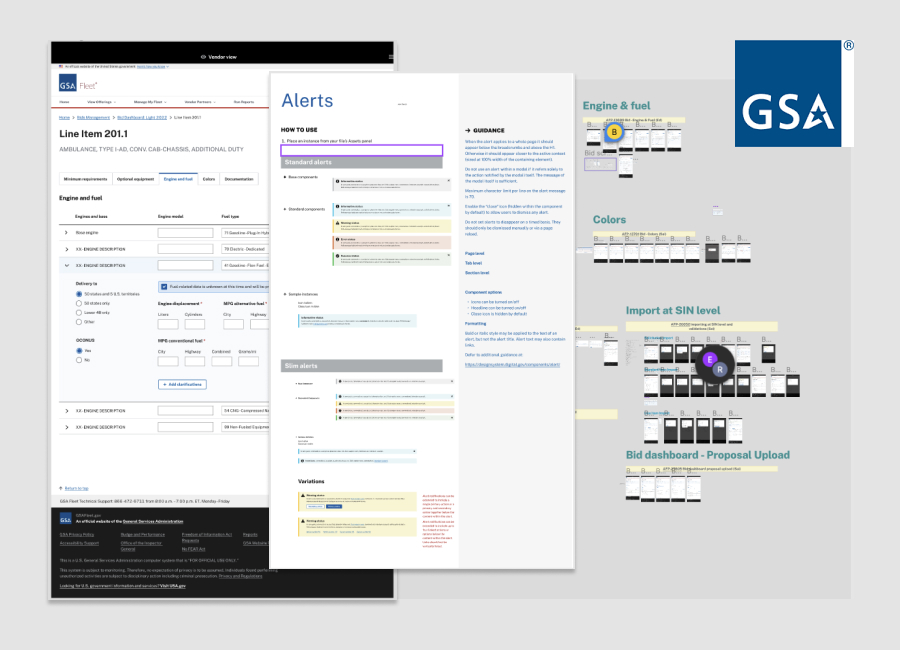
GSA all screens overview

Colossal Redesign
& Modernization

Assessment, Research, and Iterative Design

Assessment and Research — Used existing user feedback from interviews and analyzed user data to understand current issues and opportunities for improvement across all seventeen legacy applications.

User-Centered Design — Created wireframes and prototypes to visualize the proposed changes. Implemented iterative design cycles, regularly testing with real business users and incorporating their feedback into the designs.

UI Design and Enhancements — Applied a modern, consistent UI design using Figma, built upon the core design system established for the project.

02

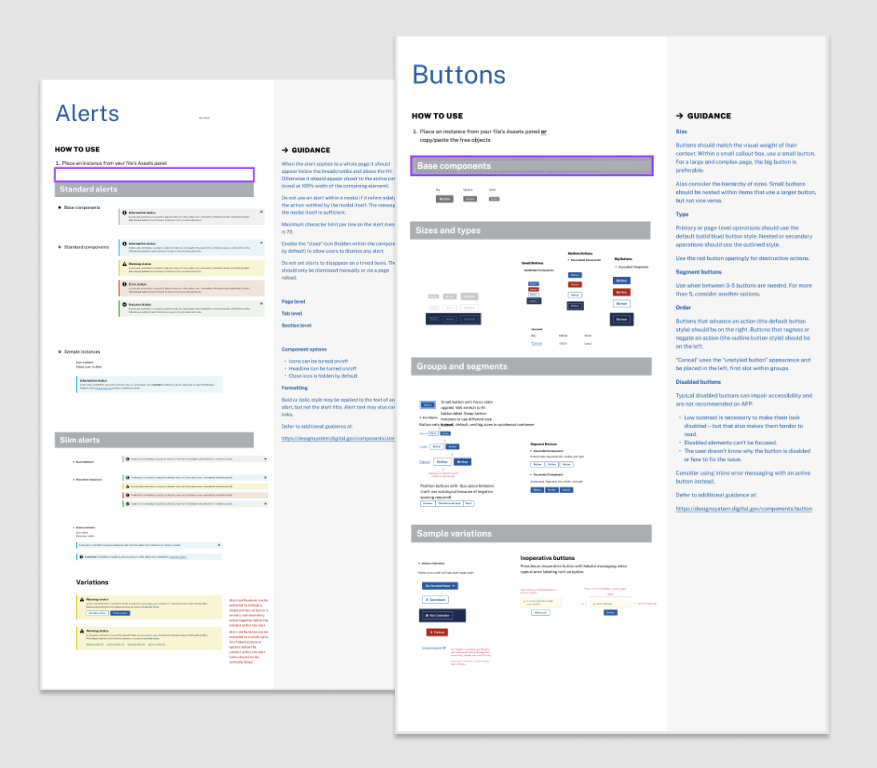
Design System
Management

Standards That Scaled Across 130 Team Members
01
Regularly Updated
Continuously updated and refined the design system to accommodate technology updates, developer feedback, and evolving user needs.
02
Documented Guidelines
Maintained comprehensive documentation covering design principles, patterns, components, and usage instructions for the full team.
03
Cross-Team Collaboration
Fostered alignment between design, development, and cross-functional teams to ensure everyone worked from the same system principles and components.
04
Quality Assurance
Implemented rigorous QA processes to identify and address inconsistencies in the design system before they propagated across the platform.
05
Feedback Loop & Iteration
Used ongoing feedback to drive iterative updates and enhancements, keeping the system relevant and valuable as the project scaled.
GSA design system
03
GSA Jira project management

Organized,
Prioritized & Iterated

Structured Delivery at Federal Scale

Maintained open and regular communication among project managers, team members, stakeholders, and clients throughout the project — documenting progress, decisions, and changes to keep everyone informed and aligned.

Adhered to a well-structured project plan managed in Jira to track work across multiple concurrent teams and achieve the project's goals efficiently within federal compliance timelines.

Merging seventeen applications into one — across ~130 team members — demanded more than good design. It demanded consistent communication, disciplined systems, and relentless iteration.

04

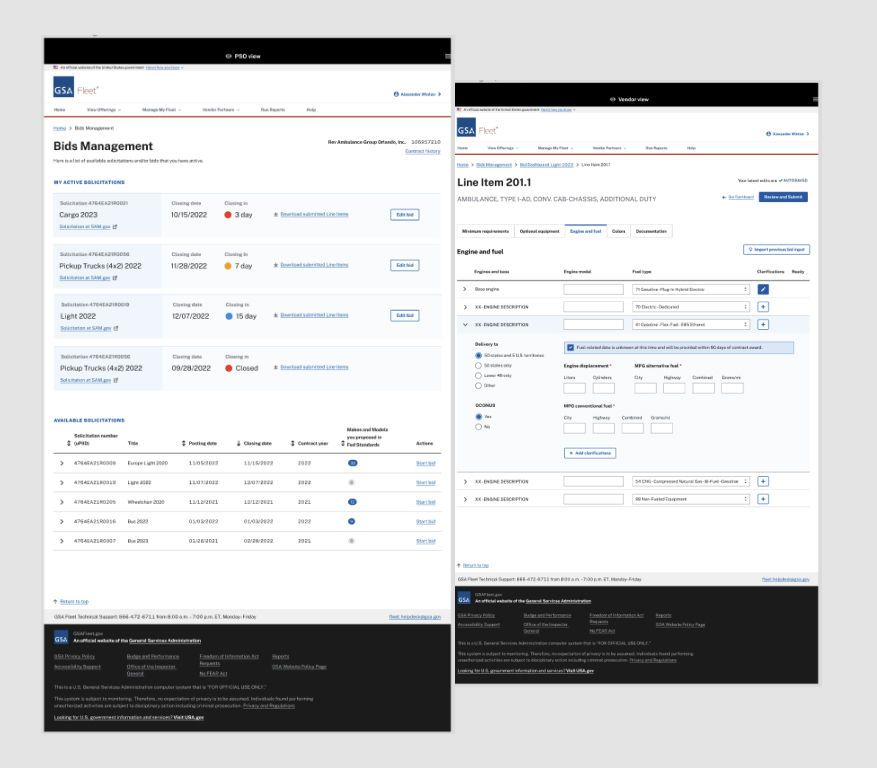
Complex
Dashboard Interactions

Data-Dense Interfaces Made Approachable
01
Information Hierarchy
Used a clear visual hierarchy to organize data, surfacing the most critical elements first while keeping secondary data accessible.
02
Data Visualization
Employed charts, graphs, and summary cards to transform complex government data sets into clear, actionable insights for users.
03
Consistent Layout & Navigation
Maintained a consistent layout throughout the dashboard to create familiarity for users across all seventeen unified applications.
04
Filtering & Sorting
Provided robust filtering and sorting options to let users refine large data sets and focus on what is directly relevant to their role.
05
Contextual Help & Performance
Included tooltips and inline guidance for complex features, while optimizing performance to ensure fast load times even with large government data sets.
GSA dashboard design
17
Legacy applications unified into one platform
~130
Team members across design and development
Design system components tracked and maintained